


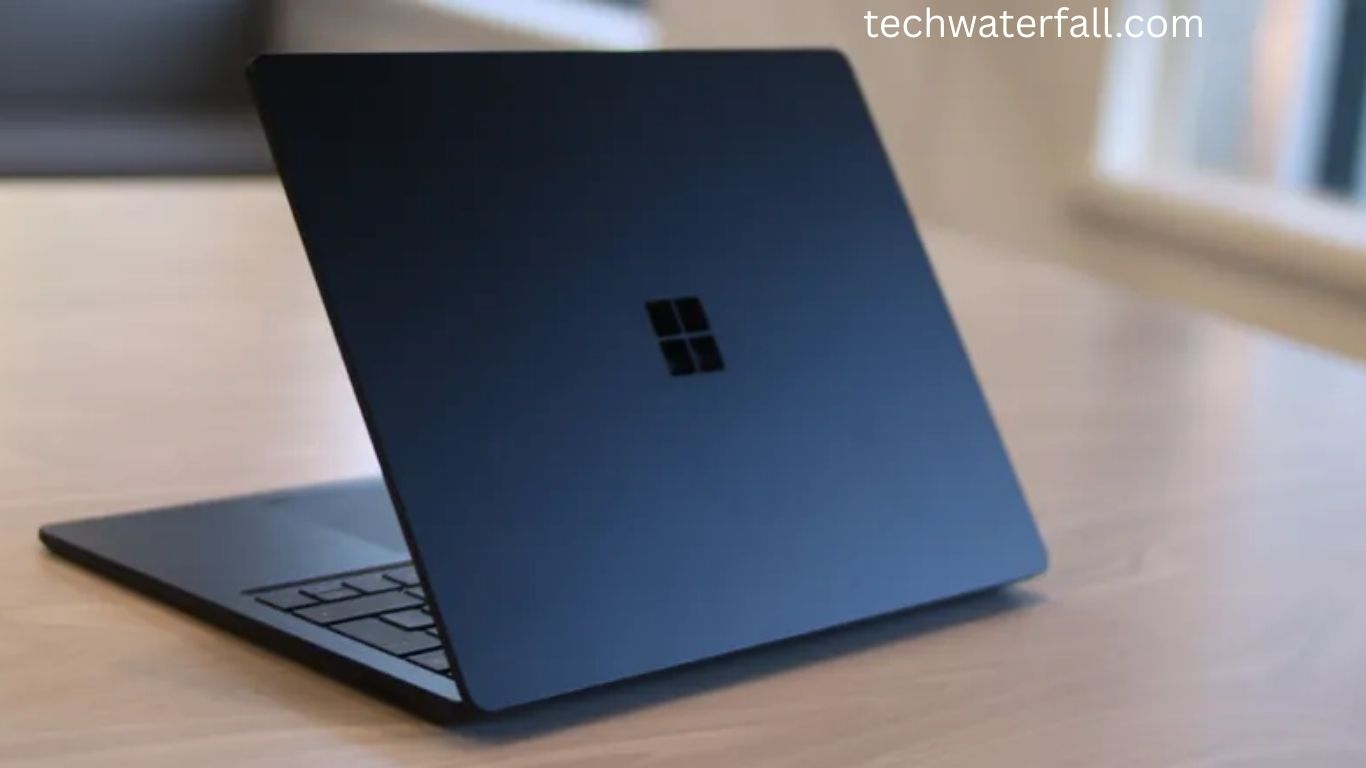
When it comes to premium business laptops, Microsoft has carved out a niche with its Surface lineup. The Microsoft Surface Laptop 5 (13.5in) is positioned as a sleek, portable, and professional device designed for productivity. Unlike the flexible Surface Pro 9 or the creative powerhouse Surface Studio 2+, this machine plays a safer, more traditional role in Microsoft’s family.
Yet, that simplicity is also its strength. For business professionals who want a laptop that balances style, performance, and portability, the Surface Laptop 5 might be the perfect match. But while it shines in many areas, it also leaves room for improvement.
Read More: 2025’s Game-Changing Noise-Canceling Headphones for Ultimate Peace and Power
Design: Timeless and Elegant
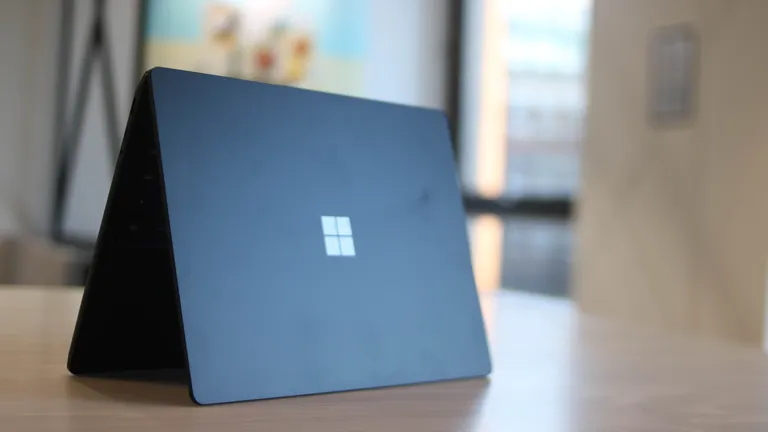
Microsoft has barely touched the Surface Laptop’s design over the years, and in this case, that’s a win. The all-aluminium chassis feels premium, with clean lines and a minimalist aesthetic. The subtle Windows logo on the lid and the smart, professional keyboard layout reinforce its sleek identity.
At just 1.2kg, the laptop is light enough to carry all day without strain. It easily slips into a backpack and is perfect for professionals on the move. Even opening it with one hand is effortless—though using it while walking between meetings is probably not recommended.
Color options add some personality to the mix. Alongside classic Matte Black and Platinum Alcantara, Microsoft now offers Sandstone and the muted yet stylish Sage finish, which looks grayish in most lighting.
One design drawback, however, is the charging port. While magnetic, it feels fiddly and inconvenient to connect. Given how Apple adopted USB-C, Microsoft should seriously consider dropping its proprietary Surface Connect charger altogether.
Display: Bright and Sharp, but Outshined by Rivals
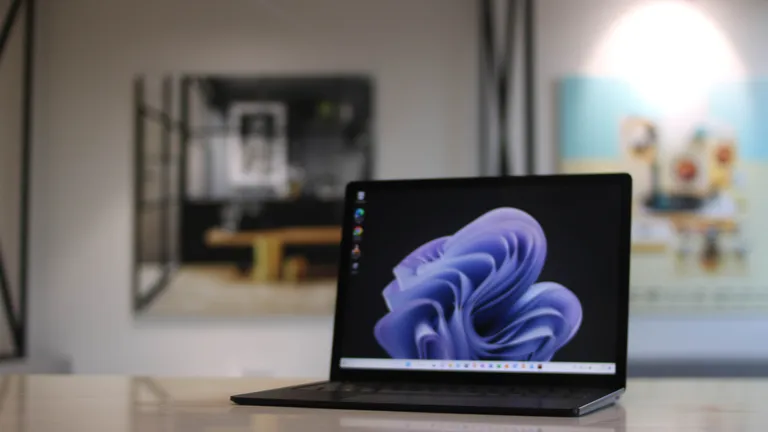
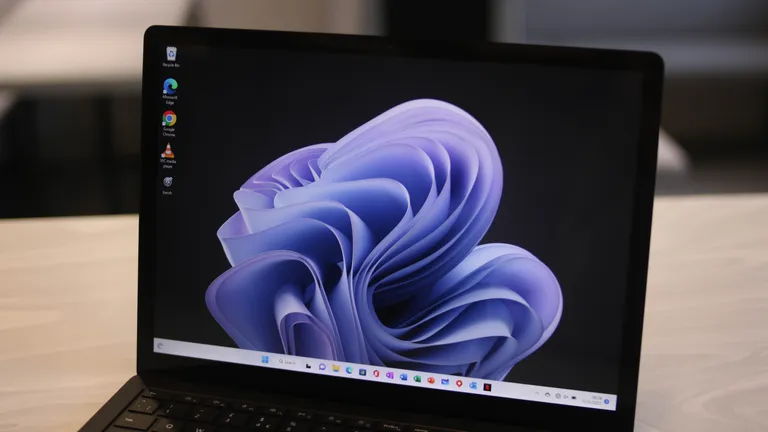
The 13.5-inch PixelSense touchscreen is sharp and vibrant, delivering a resolution of 2256 x 1504. Brightness peaks at 411 nits, making it usable even in sunny environments, though reflections from its glossy finish can be distracting.
For color performance, the display hits 95.6% sRGB coverage in standard mode, which is solid for general work and media. However, creatives may find it lacking with only 69% AdobeRGB coverage—a dealbreaker for photographers and graphic designers.
Compared to the MacBook Pro and Huawei MateBook X Pro, both of which offer richer color depth and thinner bezels, the Surface Laptop 5 feels slightly dated. The touchscreen itself works well, but with no convertible mode or included stylus, its usefulness is limited.
Keyboard and Trackpad: Comfortable but Conservative
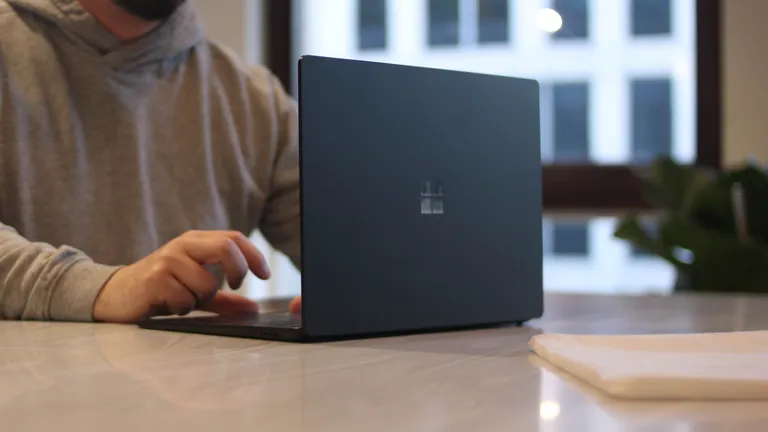
Typing on the Surface Laptop 5 is a mostly pleasant experience. The keyboard offers shallow travel, similar to a MacBook, which may divide users. While some prefer more tactile feedback, others will appreciate the soft, quiet typing.
Palm rest space is generous, enhancing comfort during long sessions. The trackpad, measuring 4.5 x 3 inches, is smaller than many competitors, but it’s smooth and precise with reliable gesture support. Left and right clicks feel natural and responsive, though a larger trackpad would have been welcome.
Specs and Performance: Smooth but Not Cutting-Edge
Our review unit came equipped with:
- Intel Core i7-1255U
- 16GB RAM
- 512GB SSD
There’s no AMD option this time, which is a disappointment for businesses that valued the Surface Laptop 4’s Ryzen models. Still, Intel’s 12th-gen chip delivers solid performance for office workloads, video calls, and multitasking across apps like Google Workspace, Slack, and Adobe tools.
In benchmarks, the Surface Laptop 5 holds its own:
- GeekBench 5 single-core: 1,108
- GeekBench 5 multi-core: 6,444
- Compute benchmark: 222 (compares well against Dell XPS 15 at 272 and Lenovo ThinkPad X13s at 135)
While not designed for heavy 3D rendering or intensive video editing, it capably handles business demands with quiet efficiency. During stress tests, the fans remained unobtrusive, making it a discreet choice for offices and meetings.
Battery Life: Reliable All-Day Power
Battery life is another strong point. In looped video playback tests, the Surface Laptop 5 lasted 9 hours 42 minutes, outperforming the Dell XPS 15 (7 hours) and Huawei MateBook X Pro (8 hours).
In real-world use—spanning a full workday with travel, emails, calls, and streaming—it consistently held up with 15% battery left at night. For professionals constantly on the go, this is a major advantage, as it reduces reliance on carrying a charger everywhere.
Ports and Features: A Step Forward, Two Steps Back
This is where Microsoft falters. While the Surface Laptop 5 finally introduces Thunderbolt 4 support, it’s the only USB-C port on the machine. Beyond that, you get just one USB-A port and a headphone jack. For a modern business laptop, the lack of multiple USB-C ports and HDMI feels restrictive.
The 720p webcam is another weak spot. It supports Windows Hello facial recognition, which works quickly and securely, but video quality looks grainy in professional meetings. At this price point, a 1080p camera should be standard.
Windows 11, however, is well-optimized, providing a clean, intuitive environment with useful productivity features. The absence of a stylus slot is a small annoyance, but given the limited tablet functionality, many won’t miss it.
Price and Value: Competitive but Imperfect
Starting at $999.99 (£833 exc. VAT), the Surface Laptop 5 is priced attractively compared to premium rivals. Considering its build quality, lightweight form, and dependable performance, it offers good value for professionals seeking a stylish, mid-tier laptop.
That said, compromises exist. The dated webcam, chunky bezels, and limited ports prevent it from being a category leader. Competitors like Lenovo ThinkPads, Apple MacBooks, and Huawei MateBooks offer stronger all-around packages—but often at nearly double the price.
Verdict: Stylish, Reliable, but Not Revolutionary
The Microsoft Surface Laptop 5 (13.5in) is a well-rounded business laptop that scores high on portability, design, and battery life. It’s a reliable daily driver for professionals who value style and ease of use.
However, if you’re a creative professional or someone who demands cutting-edge specs and premium connectivity, it may not fully satisfy. The dated webcam, limited ports, and lack of AMD options hold it back from greatness.
For under $1,000 though, it strikes a balance few laptops manage. If you want a stylish, dependable, and lightweight Windows laptop for business, the Surface Laptop 5 deserves serious consideration.
Frequently Asked Questions:
Is the Microsoft Surface Laptop 5 good for business use?
Yes, the Surface Laptop 5 is well-suited for business professionals. It combines portability, solid performance, and a sleek design, making it ideal for office work, meetings, and travel. However, its limited port selection may frustrate users who rely on multiple external devices.
Does the Surface Laptop 5 have an AMD processor option?
No, unlike the Surface Laptop 4, the Surface Laptop 5 is only available with Intel 12th-gen processors. There is no AMD variant.
How long does the Surface Laptop 5 battery last?
The Surface Laptop 5 offers excellent battery life, lasting around 9 hours 42 minutes in video loop tests and easily covering a full workday in real-world use.
Is the Surface Laptop 5 good for creative professionals?
Not really. While the display is sharp and bright, its limited AdobeRGB coverage and lack of convertible functionality make it less suitable for photographers, video editors, or graphic designers.
Does the Surface Laptop 5 have Thunderbolt 4 support?
Yes, the Surface Laptop 5 finally includes Thunderbolt 4 support. However, it has only one USB-C port, which restricts connectivity compared to competitors.
How heavy is the Surface Laptop 5 (13.5in)?
The device weighs just 1.2kg, making it extremely portable and easy to carry for professionals who travel frequently.
Is the webcam on the Surface Laptop 5 good?
The laptop comes with a 720p webcam, which supports Windows Hello facial recognition. While secure and fast, the video quality appears grainy and falls short of modern 1080p standards.
Conclusion
The Microsoft Surface Laptop 5 (13.5in) strikes a fine balance between elegance, portability, and reliable performance. Its lightweight design, strong battery life, and premium build make it a dependable partner for business professionals and students who prioritize productivity on the go. However, its shortcomings—such as the outdated webcam, limited port selection, and absence of AMD options—hold it back from being a truly outstanding business laptop.
