



In 2025, I’m not just juggling endless emails, sticky notes, and spreadsheets anymore. Instead, I rely on powerful workplace apps that connect everything I need in one seamless system. These apps don’t just help me manage tasks—they automate repetitive work, streamline communication, keep projects on track, and help me plan my day without switching between ten different tools.
I’ve tested dozens of apps, but only a few truly made my work life smoother, faster, and less stressful. If you’re tired of chaos at work and want to level up your productivity, these are the 12 best work apps you absolutely need in 2025.
Read More: 30 Must-Have Smart Home Gadgets to Transform Your House into a Modern Haven
What Are Work Apps for Productivity?
Work apps—sometimes called workplace productivity tools—are digital platforms that help individuals and teams work smarter, not harder. They organize workflows, improve collaboration, and make sure you spend less time on busywork and more time on meaningful tasks.
In 2025, many apps are now all-in-one productivity suites. Instead of needing separate tools for communication, scheduling, and task tracking, you can often find one app that does it all. Whether you’re working from home, in a busy office, or in a hybrid setup, these apps ensure your team stays aligned and moves fast without losing focus.
Quick List: 12 Best Productivity Apps in 2025
- Lindy: Best for AI-powered automation of emails, scheduling, and workflows
- ClickUp: Best for all-in-one project and task management
- Slack: Best for real-time workplace communication
- Trello: Best for simple Kanban-style project planning
- Notion: Best for docs, wikis, and knowledge sharing
- Todoist: Best for personal and team task lists
- Airtable: Best for organizing projects with flexible databases
- Wrike: Best for managing complex team workflows
- Clockify: Best for tracking time and productivity
- Google Calendar: Best for scheduling and coordination
- Zapier: Best for automating repetitive tasks
- Microsoft Teams: Best for unified team communication and file sharing
Lindy – AI-Powered Automation That Works While You Sleep
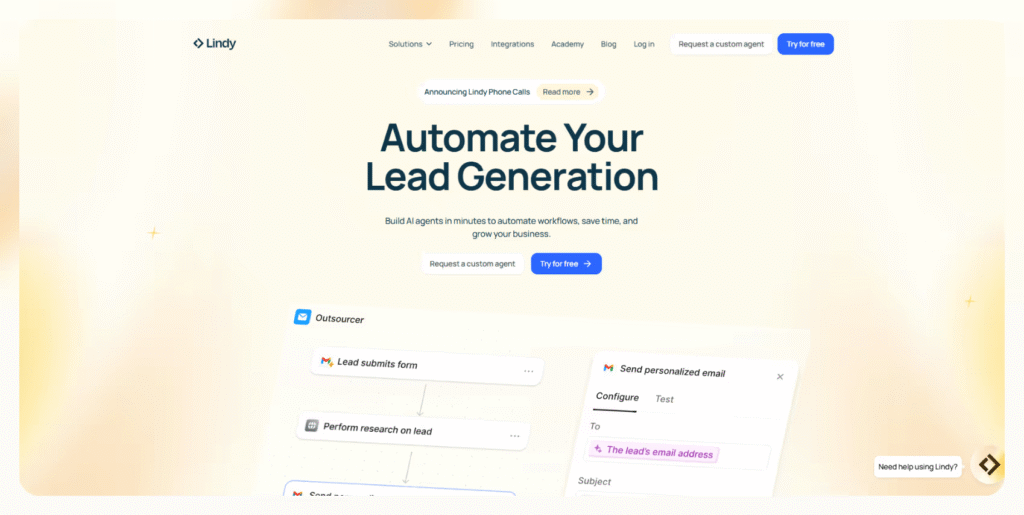
What it does: Lindy creates smart AI agents that take over repetitive tasks—replying to emails, booking meetings, updating CRMs, or even handling customer support.
Why it matters: Instead of wasting hours on admin tasks, Lindy runs them in the background while you focus on real work. Its AI agents understand natural instructions and adapt to your tone, so automation feels personal, not robotic.
Best for: Teams that want to reclaim hours every week by automating email, scheduling, and workflows.
ClickUp – The Swiss Army Knife of Work Apps
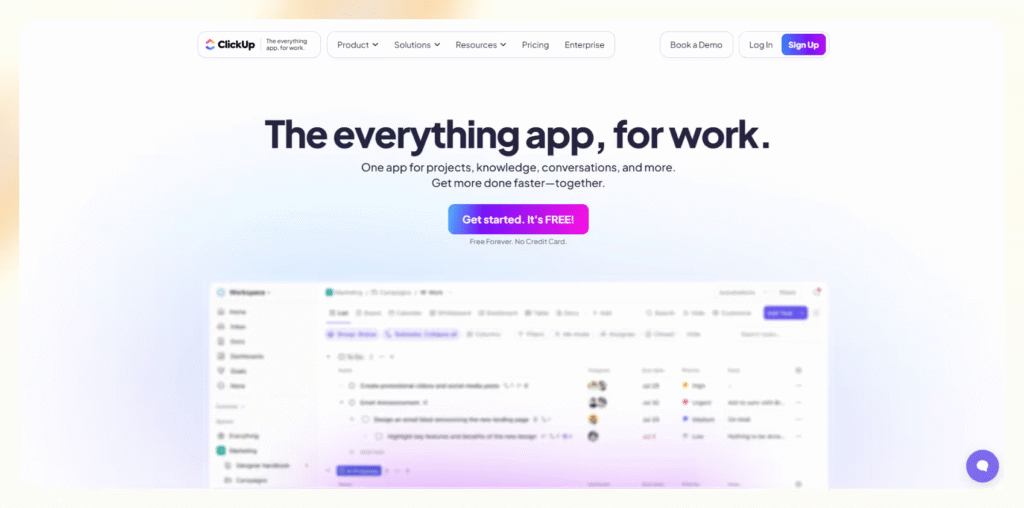
What it does: ClickUp centralizes tasks, projects, meetings, and documents into one flexible platform.
Why it matters: You can view projects as lists, Kanban boards, Gantt charts, or calendars—whichever suits your style. It even replaces separate note-taking and time-tracking apps.
Best for: Teams managing multiple projects with lots of moving parts.
Slack – Chat That Powers Modern Workplaces
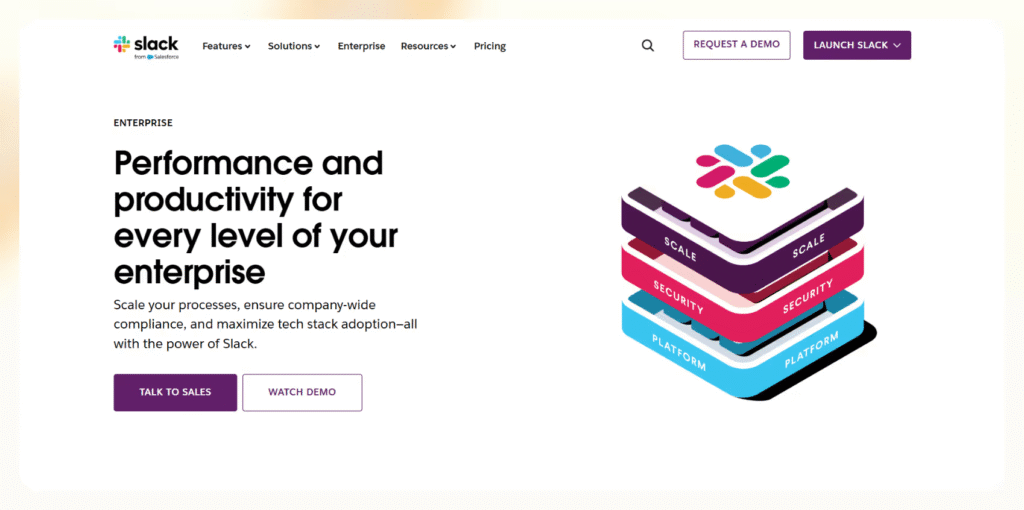
What it does: Slack organizes conversations into channels, integrates with thousands of apps, and now uses AI to summarize long threads, capture meeting notes, and automate workflows.
Why it matters: It cuts down on messy email chains and keeps everyone in sync instantly.
Best for: Fast-moving teams that need structured, real-time communication.
Trello – Simple, Visual Project Planning
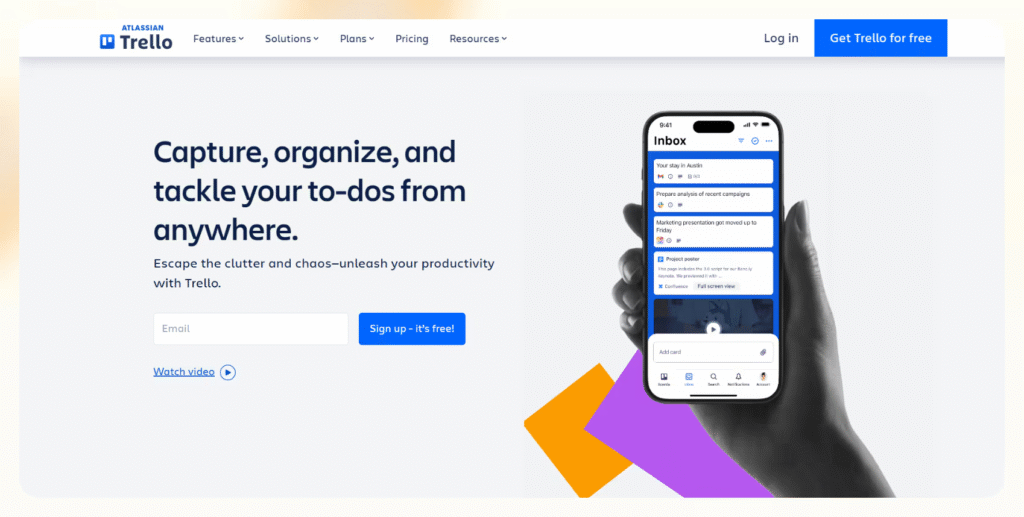
What it does: Trello uses Kanban boards with cards and lists to track projects visually.
Why it matters: It’s intuitive, lightweight, and perfect for small teams who want clarity without overcomplication.
Best for: Visual thinkers who prefer drag-and-drop simplicity.
Notion – One Workspace for Everything

What it does: Notion combines documents, databases, task lists, and wikis in one customizable space.
Why it matters: Instead of scattering notes across apps, Notion lets you build a single hub for your entire team’s knowledge.
Best for: Teams and individuals who want a flexible tool for planning, writing, and knowledge-sharing.
Todoist – Your Smart Digital To-Do List
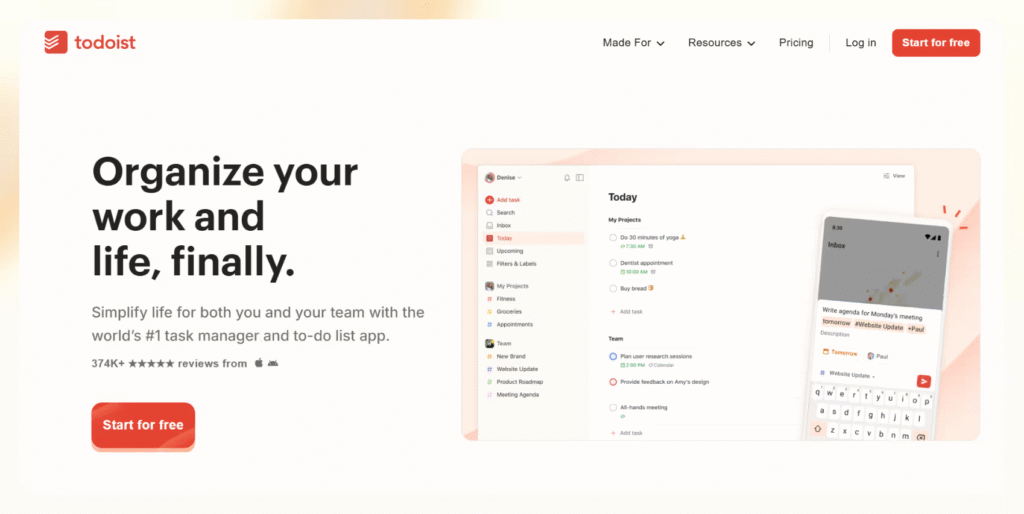
What it does: Todoist helps you manage personal and team tasks with natural-language scheduling (e.g., “every Monday at 9 AM”).
Why it matters: It’s lightweight yet powerful enough to keep both daily and long-term projects under control.
Best for: Individuals or small teams looking for a clean, distraction-free task manager.
Airtable – Databases Made Simple
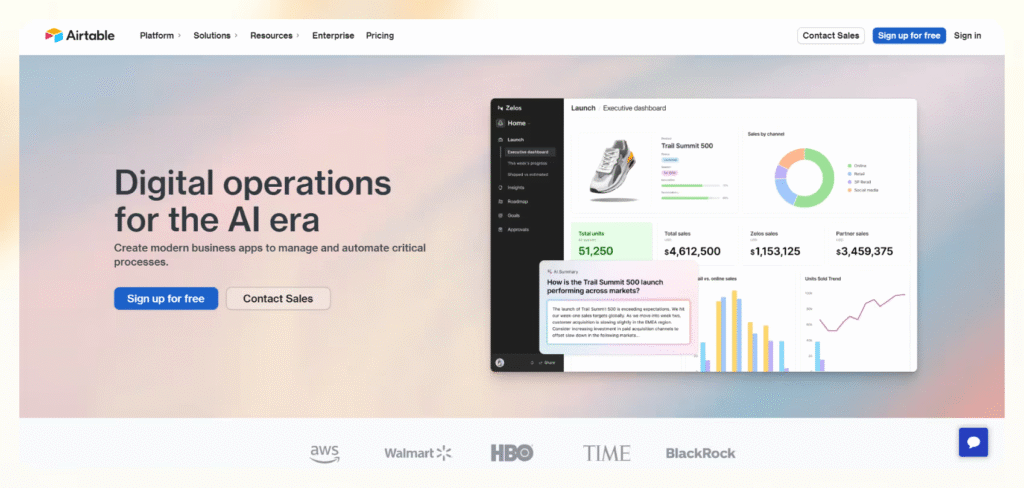
What it does: Airtable feels like a spreadsheet but functions like a powerful database, complete with Kanban, calendar, and gallery views.
Why it matters: From editorial calendars to inventory tracking, Airtable lets you build systems without needing code.
Best for: Teams managing lots of data-heavy projects who want structure plus flexibility.
Wrike – Complex Projects, Made Manageable

What it does: Wrike gives enterprise-level visibility with Gantt charts, dashboards, and AI-powered risk predictions.
Why it matters: It’s ideal for organizations managing large-scale, cross-departmental workflows.
Best for: Teams that need structure, reporting, and deep customization.
Clockify – Track Every Hour, Maximize Productivity
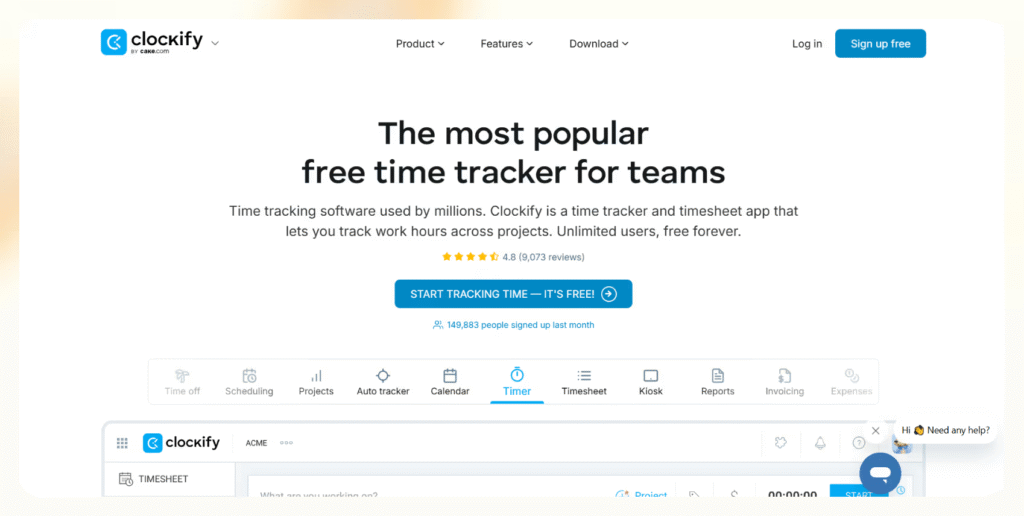
What it does: Clockify is a time tracker and timesheet manager with powerful reporting.
Why it matters: Perfect for freelancers, contractors, and remote teams—it ensures billable hours are tracked and productivity stays transparent.
Best for: Anyone who bills by the hour or wants accountability over time spent.
Google Calendar – The Backbone of Scheduling
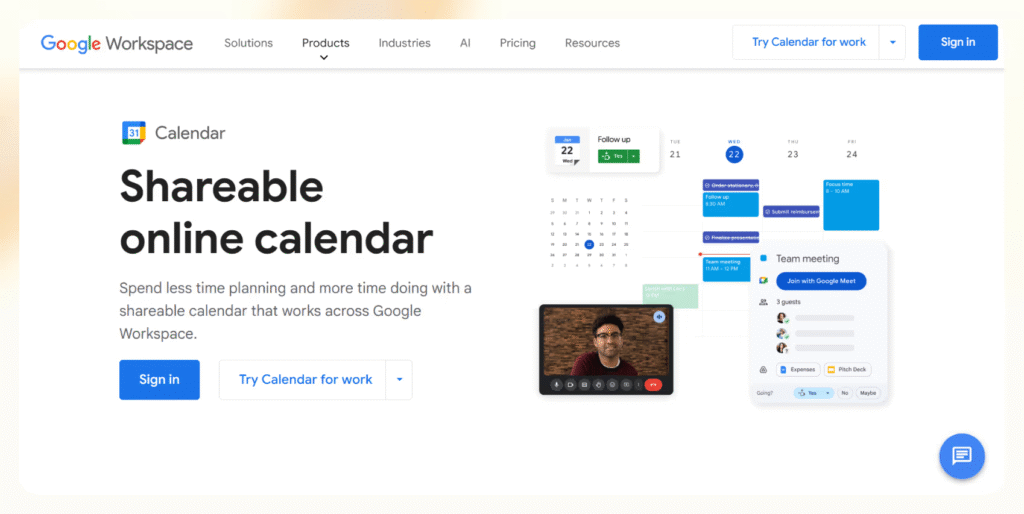
What it does: Google Calendar syncs meetings, tasks, and events across devices with smart scheduling features.
Why it matters: It integrates seamlessly with Gmail, Meet, and Docs—making it the quiet backbone of modern work.
Best for: Anyone who needs reliable, no-fuss scheduling.
Zapier – Automations That Save You Hours
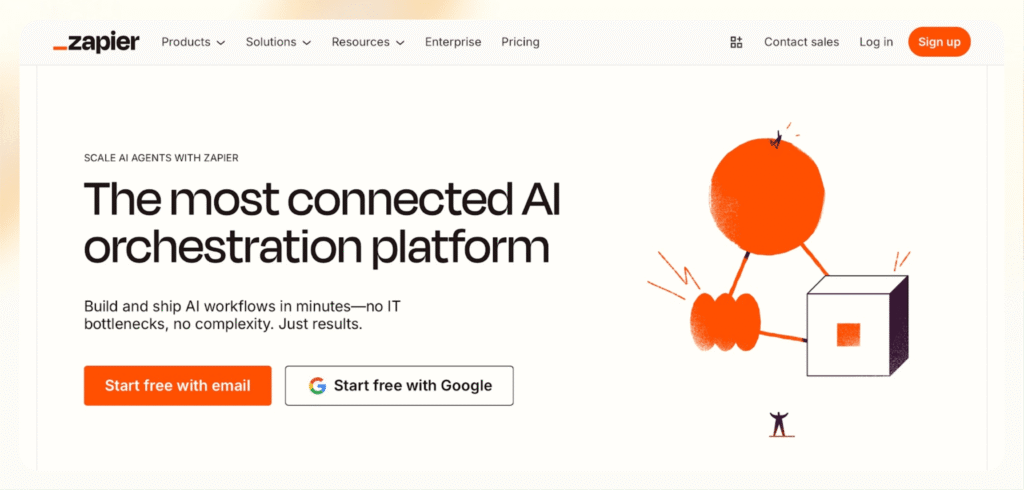
What it does: Zapier connects 8,000+ apps and automates workflows (called Zaps) between them.
Why it matters: It removes repetitive busywork like copying data or sending reminders—your tools talk to each other automatically.
Best for: Teams and individuals who want “set it and forget it” workflows without coding.
Microsoft Teams – The Hub for Microsoft Users
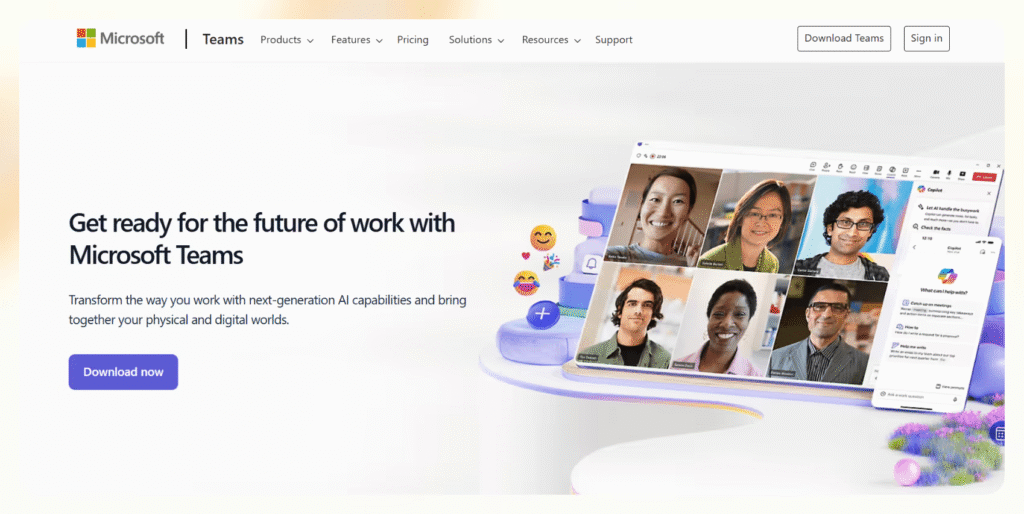
What it does: Microsoft Teams combines chat, video calls, file sharing, and task management—integrated with the rest of Microsoft 365.
Why it matters: From hosting large video calls to co-editing Word and Excel files, it’s the perfect fit for Microsoft-driven organizations.
Best for: Businesses, schools, and organizations using the Microsoft ecosystem.
How I Tested These Apps
I didn’t just read feature lists—I used each app in real-world setups. I:
- Integrated them into live projects, deadlines, and meetings.
- Simulated multi-step workflows with dependencies and recurring tasks.
- Tested team collaboration with shared documents, chat, and file sharing.
- Compared desktop, mobile, and web experiences.
- Explored automation capabilities and integrations with tools like Gmail, Notion, Salesforce, and Zoom.
- Evaluated ease of use, onboarding, and value for money across pricing tiers.
The goal was simple: find apps that don’t just look good on paper but actually make everyday work smoother.
How to Use These Apps Effectively
The secret isn’t using more apps—it’s using them wisely together. For example:
- Use ClickUp or Notion as your central hub for tasks and docs.
- Add Clockify for time tracking and Zapier to automate routine steps.
- Let Lindy handle admin tasks in the background so your tools feel like one connected system instead of scattered tabs.
The best productivity setup is about connection, automation, and simplicity—not juggling ten apps.
Frequently Asked Questions:
What are the best work apps for productivity in 2025?
The top work apps include Lindy for AI automation, ClickUp for project management, Slack for communication, Notion for docs and wikis, and Clockify for time tracking. Together, they cover all aspects of modern work.
How do work apps improve daily productivity?
They automate repetitive tasks, organize projects, enhance communication, and keep schedules aligned. Instead of juggling multiple tools, they centralize workflows, saving hours each week.
Are these apps useful for both individuals and teams?
Yes. Tools like Todoist and Google Calendar are great for individuals, while apps like ClickUp, Slack, and Microsoft Teams shine in team environments.
Can AI-powered work apps really replace manual tasks?
Absolutely. Apps like Lindy and Zapier can automate emails, scheduling, data entry, and other repetitive admin work—freeing you to focus on higher-value tasks.
Do I need to pay for premium versions of these apps?
Most apps offer free plans with core features. However, premium tiers unlock advanced tools like automation, integrations, and team analytics—worth it for growing businesses.
Which app is best for managing remote or hybrid teams?
ClickUp, Slack, and Microsoft Teams are top choices for hybrid setups, ensuring seamless collaboration and real-time communication regardless of location.
How do I choose the right work apps for my job?
Identify your biggest challenges—task management, communication, scheduling, or automation—then pick apps that directly solve those pain points. Start small and expand as needed.
Conclusion
Work in 2025 moves faster than ever, and success depends on how well you manage time, projects, and communication. The 12 game-changing work apps highlighted here aren’t just digital tools—they’re powerful allies that simplify complex workflows, automate repetitive tasks, and keep you focused on what matters most. Whether it’s Lindy freeing you from admin chaos, ClickUp unifying project management, or Slack and Teams keeping collaboration smooth, each app helps you work smarter, not harder. By adopting even a few of these solutions, you’ll transform your daily routine, reduce stress, and give yourself a clear edge in your career.
