


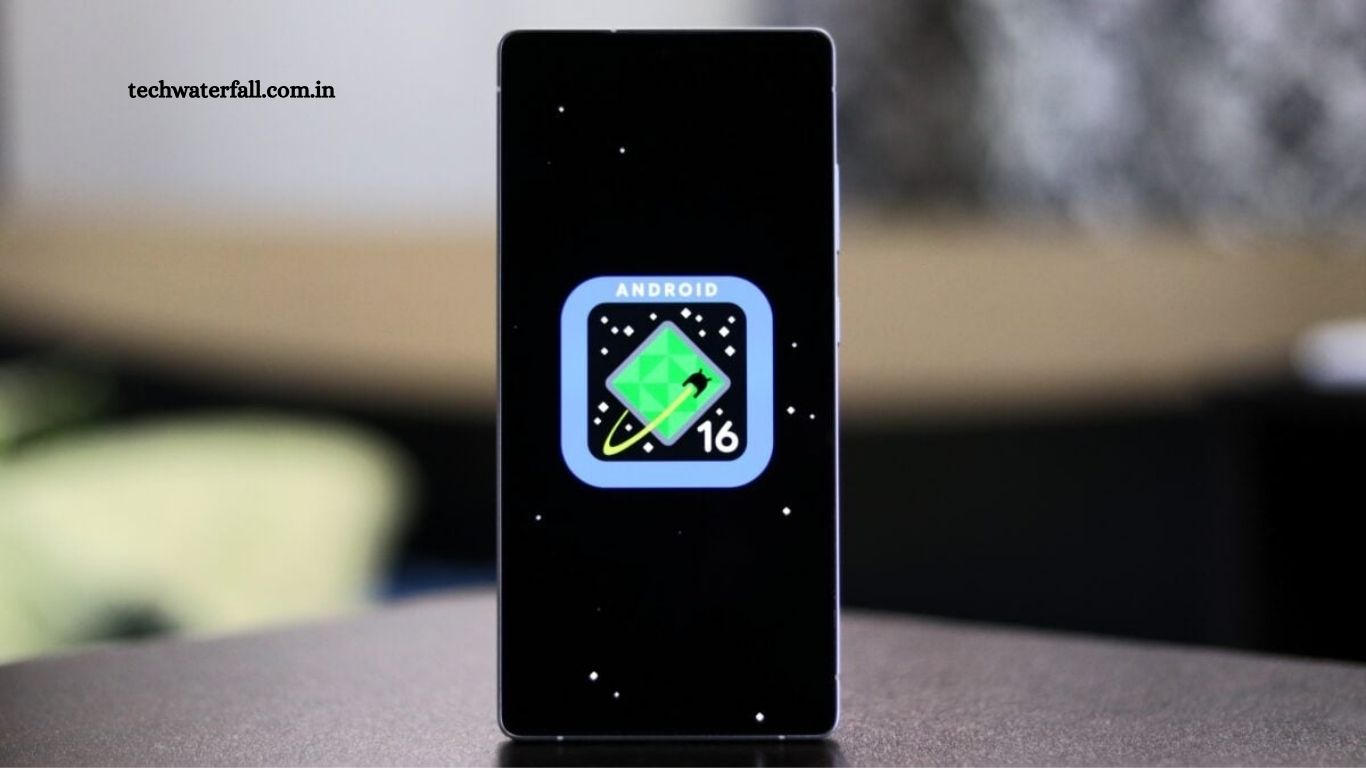
Samsung has officially released the stable version of One UI 8.0, based on Android 16, for its flagship Galaxy S24, Galaxy S24+, and Galaxy S24 Ultra devices. This update brings a host of new features, improvements in performance, enhanced security, and a more refined user interface, promising an upgraded experience for Galaxy users.
The rollout is currently live in South Korea, marking the first official release for the Galaxy S24 lineup. The update carries firmware version S92xNKSU4CYI7 and is available to both users who participated in the One UI 8 beta program as well as those who were still running One UI 7.
Read More: Qualcomm Unveils Mobile Chip That Might Give Android Phones an Edge Over iPhone 17 Pro
Availability and Rollout Schedule
At the moment, Samsung has not shared an official timeline for the international rollout of One UI 8 for the Galaxy S24 series. However, history suggests that the update should reach other regions within days of the Korean release, especially for flagship devices such as the Galaxy S24, S24+, and S24 Ultra.
Users are advised to check for updates manually via Settings > Software Update > Download and Install to ensure they receive the update as soon as it becomes available in their region.
Firmware Details
- Firmware Version: S92xNKSU4CYI7
- Base OS: Android 16
- Eligible Devices: Galaxy S24, S24+, S24 Ultra
- Release Region: Initially South Korea
The update is designed to be incremental, so it may take time to reach all eligible devices. Samsung often staggers its updates to ensure a smooth rollout and to catch any unforeseen issues before broader distribution.
What’s New in One UI 8
One UI 8 is Samsung’s latest take on a clean, user-friendly interface with improved performance, customization, and productivity tools. Here’s a detailed look at what the update brings:
1. Refined User Interface
One UI 8 introduces upgraded UI elements for a more modern and cohesive look across Samsung apps and system interfaces. Users will notice:
- Updated icons and menus that are cleaner and more consistent.
- Smooth animations and transitions for a more polished feel.
- Adaptive color schemes that match your wallpaper and system theme.
2. Enhanced Camera Features
The camera app has received several improvements in One UI 8:
- AI-based photography enhancements for sharper and more vibrant images.
- Improved low-light performance across all S24 devices.
- New video editing options within the Gallery app.
- Updated Pro mode controls for better manual photography options.
These upgrades make the Galaxy S24’s camera system even more versatile, whether you are a casual shooter or an advanced user.
3. Improved Communication Tools
Samsung has focused on making communication faster and more efficient:
- Revamped Messages app with better media handling.
- Advanced call management options, including spam filtering and smart call recording.
- Improved Samsung Chat integration across devices, supporting seamless conversations.
4. Health and Fitness Tracking
With the Galaxy ecosystem increasingly focused on wellness, One UI 8 adds several improvements to Samsung Health:
- Enhanced activity tracking with new metrics for workouts and daily activity.
- Sleep tracking improvements with deeper insights into sleep cycles.
- Integration with third-party apps for a more comprehensive health overview.
5. Multitasking and Productivity
One UI 8 introduces new multitasking features, designed to boost productivity:
- Resizable split-screen mode with more flexible app arrangement.
- Improved Edge Panel customization for quick access to favorite apps and tools.
- Samsung Notes enhancements with richer formatting options and cloud sync.
These improvements allow users to handle tasks more efficiently, particularly on the larger screens of the Galaxy S24+ and Ultra models.
6. Security and Privacy Upgrades
Samsung continues to prioritize user privacy and device security:
- Updated Samsung Knox with improved threat detection and protection.
- Privacy Dashboard integration to track app access to sensitive data.
- One-time permissions for apps, similar to stock Android, giving users more control over personal data.
7. Accessibility Improvements
One UI 8 makes devices more accessible to users with different needs:
- Enhanced screen reader support and voice guidance.
- High contrast themes and adjustable font sizes for easier readability.
- Gesture navigation improvements for smoother interaction.
These updates demonstrate Samsung’s commitment to making its devices usable for everyone.
Preparing for the Update
Before installing the One UI 8 update, Samsung recommends:
- Backing up your data via Samsung Cloud or Google Drive.
- Ensuring your device has at least 50% battery or connecting it to a charger.
- Using a stable Wi-Fi connection to avoid interruptions during the download.
- Freeing up sufficient storage space, as major OS updates require several gigabytes.
Following these steps will ensure a smooth installation process and minimize potential issues.
Beta Users vs. Non-Beta Users
One UI 8 is being pushed to both beta program participants and regular users:
- Beta users have likely seen many of these features in testing phases and may notice incremental refinements in the stable release.
- Non-beta users will experience a bigger change, moving from One UI 7 to the more advanced One UI 8.
Samsung typically addresses feedback from beta testers in the stable rollout, so the update is expected to be smoother and more stable.
Global Release Expectations
While the update is currently limited to South Korea, Samsung traditionally expands its rollouts quickly for flagship devices. Based on previous patterns:
- North America, Europe, and other Asian markets can expect the update within 1–2 weeks.
- Regional carrier versions may take slightly longer due to testing requirements.
Users should regularly check their software update section to stay informed about availability in their region.
Why One UI 8 Matters
Samsung’s One UI updates are more than just aesthetic upgrades—they enhance device performance, security, and user experience. Key reasons why this update is significant include:
- Integration of Android 16 features for improved stability and functionality.
- Enhanced system-wide customization, making devices feel more personal.
- Strengthened privacy and security, reflecting growing concerns over digital safety.
- Expanded ecosystem connectivity, allowing seamless interaction with tablets, wearables, and PCs.
For Galaxy S24 owners, One UI 8 ensures their devices remain future-proof and competitive among flagship smartphones.
User Feedback and Early Impressions
Initial reports from users in Korea indicate:
- Faster performance and smoother animations compared to One UI 7.
- Minor bugs reported by beta users appear to have been resolved.
- Positive reception for new camera and multitasking features.
Once the update reaches other regions, broader feedback will help gauge the impact of One UI 8 globally.
Frequently Asked Questions
Which regions currently have the update?
The update has initially been released in South Korea. Samsung typically rolls out updates internationally within a few days for flagship devices.
How can I check if the update is available for my device?
Go to Settings > Software Update > Download and Install on your Galaxy S24 device. If available, you will be prompted to download the update.
Do I need to be on the beta program to get One UI 8?
No. The update is being rolled out to both One UI 8 beta participants and users currently on One UI 7.
What is the firmware version of this update?
The South Korea release carries firmware version S92xNKSU4CYI7.
How large is the One UI 8 update?
The update size may vary but typically ranges from 2–4 GB, depending on your device model and region. Make sure you have enough free storage before downloading.
Do I need Wi-Fi to download the update?
It is recommended to use a stable Wi-Fi connection to avoid interruptions and extra mobile data usage.
Do I need to back up my device before updating?
Yes. Samsung recommends backing up your data via Samsung Cloud or Google Drive to prevent potential data loss during the update.
Conclusion
The stable rollout of One UI 8 on the Galaxy S24 series represents a significant upgrade for Samsung users. With enhanced UI elements, improved camera capabilities, refined productivity tools, stronger privacy and security features, and better accessibility, One UI 8 aims to deliver a comprehensive and modern smartphone experience.
Users should prepare for the update by backing up their devices and ensuring sufficient battery and storage. While the update is initially available in South Korea, an international rollout is expected soon, bringing these improvements to Galaxy S24 owners worldwide.