


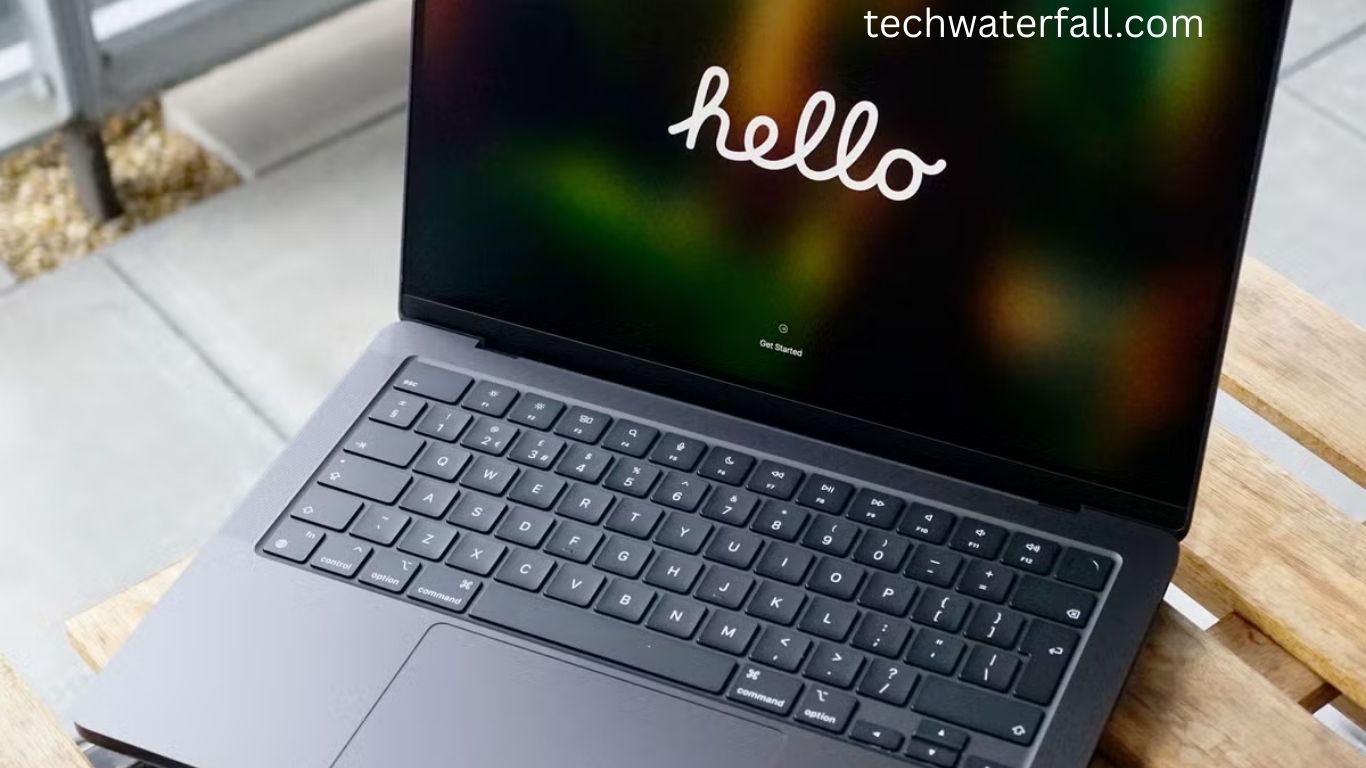
For years, many creative professionals—myself included—believed the MacBook Pro was the ultimate choice for photo editing, video production, music creation, and other demanding tasks. If you were serious about your craft, the Pro seemed like the only logical pick. Lightweight models like the MacBook Air felt better suited for students, casual users, or those who primarily worked in documents and emails.
Everything changed in 2020 when Apple introduced its M-series processors. Suddenly, the performance gap between the MacBook Pro and Air narrowed in ways that no one expected. I switched to an M1 MacBook Air and quickly realized that it delivered more than enough performance for my photography and editing work. With each new generation—M2, M3, and now the M4 chip—the question of which MacBook is truly right for you has only become more interesting.
Read More: Revolutionizing IT: Powerful Green Innovations Fueling a Sustainable Future in 2025
In this review, we’ll explore what makes the M4 MacBook Pro so powerful, why some professionals still need it, and why the MacBook Air remains the smarter choice for most users.
Why the MacBook Air Became a Game-Changer
The MacBook Air with Apple Silicon transformed expectations. Once seen as a lightweight machine for casual use, the Air now rivals professional-grade laptops. With the M1, M2, and M3 processors, Apple delivered laptops that are thin, light, efficient, and surprisingly powerful.
The Air is no longer a “second choice.” It can easily handle 4K video editing, complex photo retouching, and multitasking with dozens of browser tabs. On top of that, the Air is lighter, more portable, and significantly more affordable than the Pro.
For most people—students, office professionals, casual creators—the MacBook Air is enough. It runs smoothly, has long battery life, and now supports Apple’s upcoming Apple Intelligence (AI) features, just like the Pro models.
Where the MacBook Pro Still Wins
So, why does the MacBook Pro still exist? The answer is simple: not everyone is “most people.”
The M4 MacBook Pro is designed for true professionals—users who need sustained power, advanced features, and a laptop that won’t break a sweat under extreme workloads. Here’s where the Pro shines compared to the Air:
Unmatched Performance and Customization
The M4 chip is incredibly powerful, with configurations that go far beyond what the Air offers. For video editors working with 8K content, 3D designers running heavy modeling software, or developers compiling large codebases, the Pro’s processing speed and configurable GPU/CPU cores make a real difference.
Advanced Cooling System
Unlike the fanless Air, the Pro has an active cooling system. This means it can sustain top performance for long sessions without throttling. If you’re rendering projects overnight or running simulations for hours, the Pro simply stays cool and consistent.
Better Display Technology
The Liquid Retina XDR display on the Pro is brighter, smoother, and far more color-accurate than the Air’s screen. For professionals in film, design, or photography, this high dynamic range (HDR) display provides a level of detail that the Air can’t match.
Nano-Texture Glass Option
Apple now offers a nano-texture anti-glare coating on the M4 MacBook Pro. This feature reduces reflections and makes it easier to work in bright environments without losing detail. It’s a premium option, but for creators who edit on the go, it can be invaluable.
More Ports, More Versatility
The M4 MacBook Pro includes additional ports such as HDMI, SD card slot, and more Thunderbolt connections—features missing from the Air. For photographers, videographers, and musicians who rely on external drives, cameras, or monitors, these ports save the hassle of constant dongle use.
Superior Camera and Audio
With a better FaceTime camera and enhanced microphone and speaker system, the Pro is ideal for remote professionals who frequently video conference or stream. The difference is noticeable in clarity and sharpness.
Who Should Choose the M4 MacBook Pro?
The M4 MacBook Pro isn’t for everyone—but for certain groups, it’s the perfect fit.
- Professional Video Editors: Working with 4K, 6K, or even 8K footage requires sustained performance, fast rendering, and accurate color reproduction. The Pro is built for this.
- 3D Designers and Engineers: Heavy applications like Blender, AutoCAD, or Unreal Engine demand hardware beyond the Air’s limits.
- Software Developers: Those compiling large codebases or running multiple virtual machines will appreciate the Pro’s raw power.
- Photographers at the Highest Level: While the Air can handle editing, professionals who deal with massive RAW files or print-level accuracy may prefer the Pro’s display and speed.
- Frequent Travelers Who Need Ports: If you’re tired of carrying dongles, the Pro’s built-in connections are a major convenience.
Why Most People Should Still Choose the MacBook Air
For the average buyer, the MacBook Air remains the sweet spot. It’s light, portable, and powerful enough for everyday tasks and creative projects. Unless you’re working in high-end production or require niche features, the Air gives you nearly everything the Pro does—at a lower price point.
Key Benefits of the Air:
- Lower Cost: Hundreds of dollars cheaper than the Pro.
- Lightweight and Portable: Easier to carry for students and commuters.
- Strong Performance: M3 and M4 models handle most professional tasks with ease.
- Same AI Features: Apple Intelligence will run just as well on the Air.
For 90% of users—writers, office workers, students, casual editors—the Air is the smarter investment.
The Role of Apple Intelligence (AI)
Apple’s introduction of Apple Intelligence (AI) features marks a new era for MacBooks. Whether you’re using the Air or Pro, these features promise smarter workflows, enhanced writing tools, and advanced productivity support.
The exciting part? Both laptops are equally ready for Apple’s AI ecosystem. This levels the playing field, meaning you don’t have to spend extra on a Pro just to future-proof your device for AI updates.
Frequently Asked Questions:
What makes the M4 MacBook Pro more powerful than previous models?
The M4 MacBook Pro introduces Apple’s most advanced processor yet, offering faster performance, improved graphics, better energy efficiency, and the ability to handle demanding professional workloads without slowing down.
How does the M4 MacBook Pro compare to the MacBook Air?
While the MacBook Air is lighter and more affordable, the M4 MacBook Pro is designed for professionals who need extra processing power, a superior display, more ports, and sustained performance for heavy tasks like video editing and 3D rendering.
Is the M4 MacBook Pro worth the price?
Yes, if you’re a creative professional, developer, or power user who needs advanced features and consistent performance. For everyday users, the MacBook Air may offer better value.
Who should buy the M4 MacBook Pro?
It’s ideal for filmmakers, photographers, designers, software developers, and anyone working with large files or complex applications that require sustained high performance.
Does the M4 MacBook Pro support Apple Intelligence (AI) features?
Yes, the M4 MacBook Pro is fully compatible with Apple’s new Intelligence (AI) features, making it future-ready for advanced workflows and productivity enhancements.
What display advantages does the M4 MacBook Pro offer?
It features a Liquid Retina XDR display with stunning brightness, color accuracy, and contrast. The optional nano-texture glass reduces glare, making it excellent for creators who work in varied lighting conditions.
How is the battery life on the M4 MacBook Pro?
Despite its power, the M4 MacBook Pro maintains excellent battery life, lasting up to 22 hours depending on usage—making it highly reliable for work on the go.
Conclusion
The M4 MacBook Pro is more than just a laptop—it’s a powerhouse built for professionals who demand top-tier performance, stunning visuals, and long-term reliability. With unmatched speed, advanced display technology, and full support for Apple’s next-generation AI features, it stands as Apple’s most capable MacBook yet. Still, its true value depends on your needs. If you’re a filmmaker, developer, or designer working with heavy workloads, the M4 MacBook Pro will elevate your productivity and creativity. But if your day-to-day tasks are lighter, the MacBook Air remains the smarter, more affordable option.
